



Telehealth Appointments
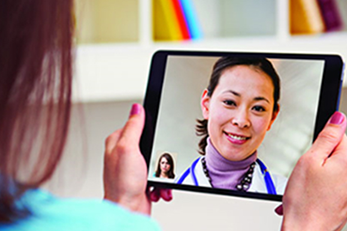
Molina MyCare Ohio Medicaid offers telehealth appointments for you to talk with your doctor virtually. A telehealth visit with your doctor is like an in-person appointment. But telehealth visits are done by telephone or video. Your talks will be the same. Just like in a doctor's office, you may speak with a nurse or medical assistant first. You may also have to wait to see your doctor in a virtual waiting room.
To get ready for a telehealth visit, you need:
- A reliable cell phone, smart device, or computer with audio or webcam for video. If your cell phone can take a “selfie,” then it can be used for a telehealth visit. You might use a smart phone, laptop with webcam, iPad, or other device.
- A current email address.
- The app used by the office. You should download this before the visit or be able to get a text message or email. Your doctor might use Doximity, DrFirst, eClinicalWorks, Jabber, Teams, Unity PHM, or another service for the visit.
To learn more about telehealth visits:
Read these tips on how to prepare for your telehealth visit and what to expect.
For help joining a video visit using an iPhone or Android Smart phone, view this tip sheet. It includes info on using your camera and microphone on desktop browsers.